Quick Start
5-minute walkthroughFrom a blank project to a full, consistent DevOps stack in about five minutes. Follow the steps in order, or jump straight to the tool you need.
Define your project once
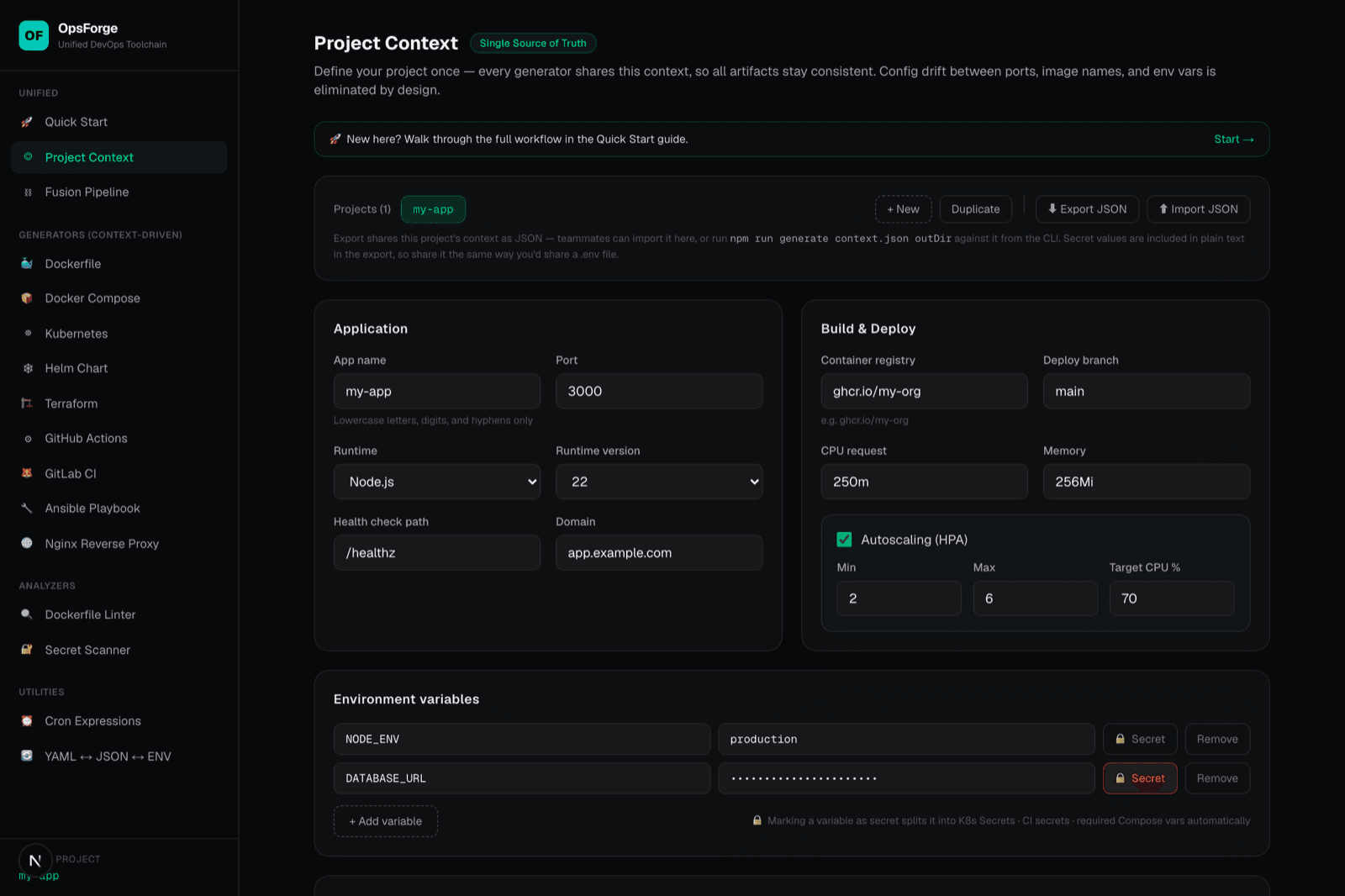
Open Project Context and fill in the basics — app name, port, runtime, health-check path, and any environment variables. Mark real secrets (DB URLs, API keys) as 🔒 secret, not plain values. Every generator on the site reads from this single context, so nothing downstream needs to be re-entered or kept in sync by hand.
Generate what you actually deploy to
Pick the generator that matches your target. All of them produce production-leaning defaults (non-root users, health checks, resource limits) out of the box.
Wire up CI/CD
Generate a pipeline that tests, builds, pushes the image, and deploys on every push to your branch. Each page also lists the exact repository secrets you need to register (e.g. KUBE_CONFIG, plus one per 🔒 secret env var).
Check quality before you commit
Paste any Dockerfile into the linter for a scored review, and paste code, .env files, or logs into the secret scanner before sharing them. Both run entirely in your browser — nothing you paste is ever sent anywhere.
Grab everything at once
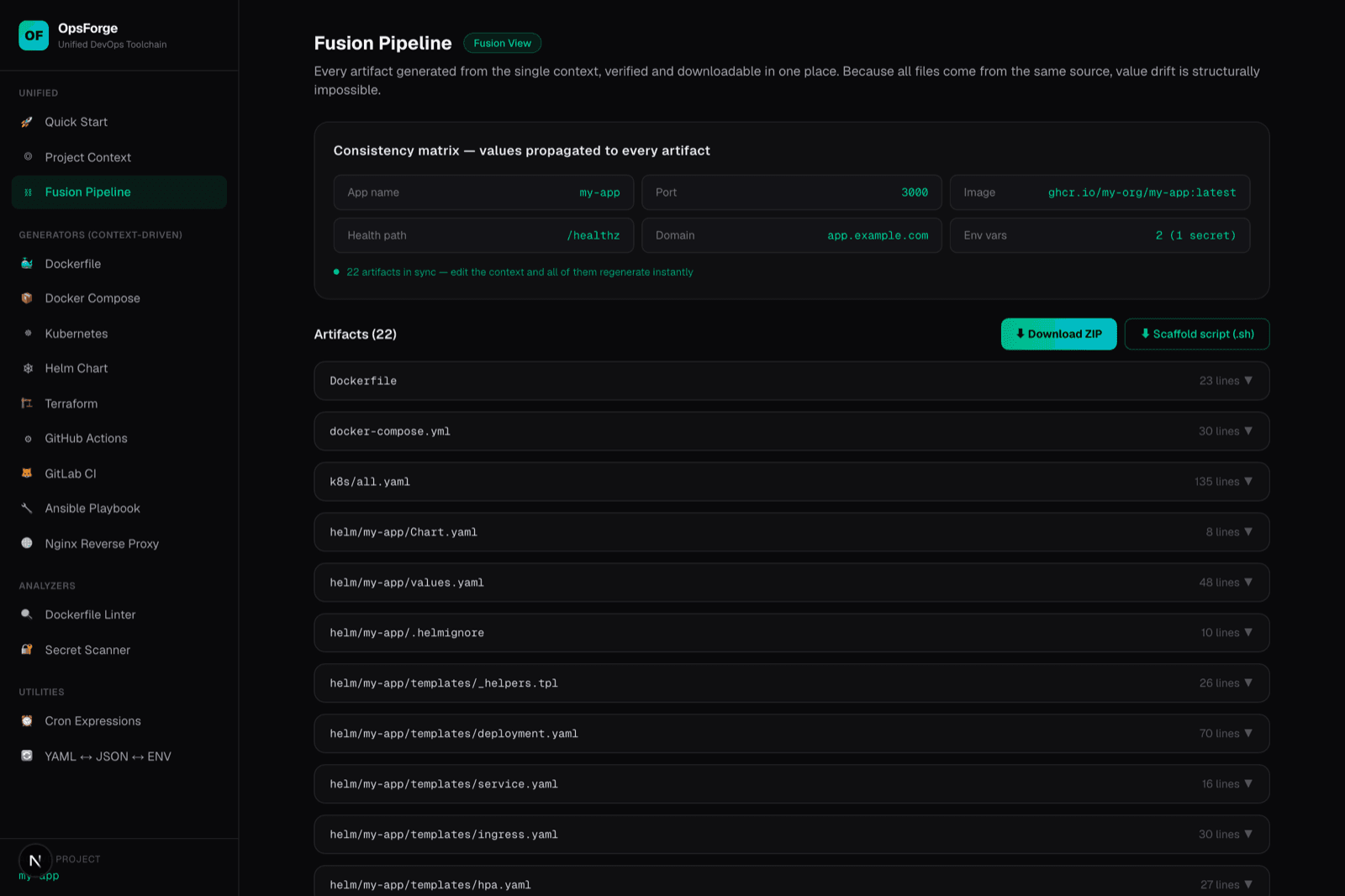
The Fusion Pipeline view lists every artifact generated from your context side by side, with a consistency matrix confirming the values match. Download the full set as a ZIP, or as a single scaffold shell script that writes every file in one run.
Automate it from the CLI (no browser needed)
Export your context as JSON, then generate the same artifacts headlessly — useful for scaffolding many services or running in a script. The self-test suite exercises the linter and secret scanner against known-good and known-bad input as a regression check.
# Export your context from the Project Context page first (Export JSON),
# or hand-write a context.json with the fields you care about.
npm run generate context.json ./out

# Regression-test the analyzers (Dockerfile linter + secret scanner)
npm run selftestShare a context with your team
Back on Project Context, use Export JSON to hand a teammate the exact config you used — they import it as a new project with one click, or feed it to the CLI above. Treat the export like a .env file: secret values are included in plain text, so share it the same careful way.
That's the whole workflow — one context, every artifact, always in sync.